
Every day, small businesses lose customers who were genuinely ready to buy – not because of price, service, or product, but because of something as small as a broken or confusing form.
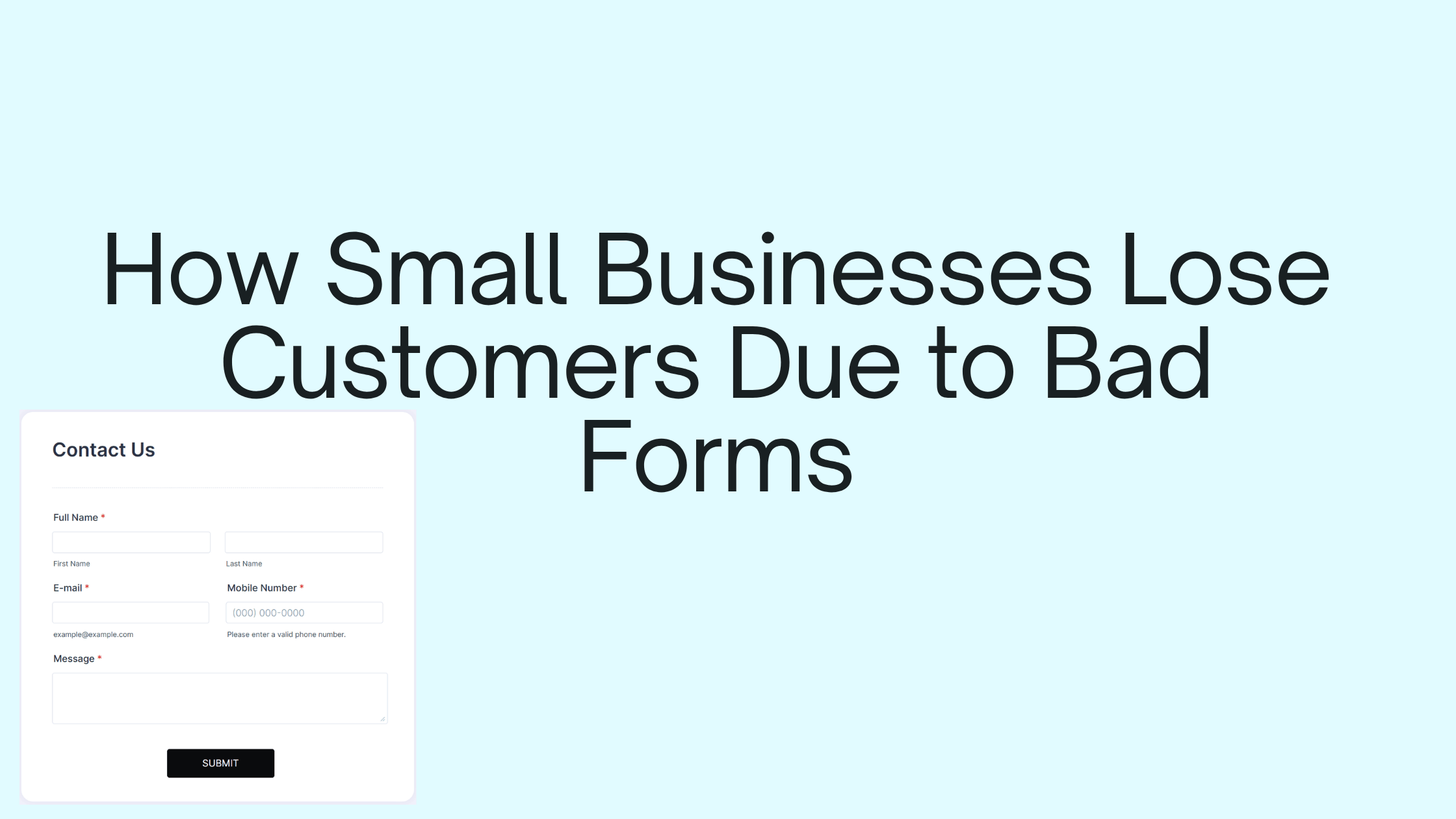
It’s one of the least talked-about reasons a business underperforms relative to the traffic it’s actually getting, precisely because it happens quietly, with no complaint and no error message pointing to the cause.
Here’s exactly how it happens, why it matters more than it seems, and how to fix it without hiring a developer.
A Customer You Never Even Knew You Lost
A woman finds your bakery’s website while searching for a custom birthday cake. She likes what she sees, scrolls to your “Order Now” form, starts filling it in – and halfway through, the page freezes. No error. No warning. Just a spinning icon that never stops spinning.
She waits ten seconds. Fifteen. Then she closes the tab and orders from the bakery two search results down instead.
You never see this happen. There’s no notification, no complaint, no clue in your analytics that says “lost sale: broken form.” She just vanishes from your funnel, and by every measure you have access to, nothing went wrong today.
This is exactly how small businesses lose customers – not through bad service, bad prices, or bad products, but through a form that failed at the exact moment someone was ready to say yes.
Why This Actually Matters More Than It Seems
It’s tempting to treat a contact or order form as a minor detail – a box to check off once, then forget about. But for a small business, the form is often the single moment where interest turns into revenue. Get it wrong, and everything upstream – your ads, your reviews, your word-of-mouth – is quietly wasted at the very last step.
Here’s what makes bad forms so damaging specifically for small businesses:
You don’t have the traffic to waste. A large company can lose 5% of form submissions to a clunky mobile layout and barely notice. A small business running on a fraction of that traffic feels every lost customer directly in its revenue.
You rarely find out it happened. Bad forms fail silently. There’s no refund request, no angry email – the customer just leaves and you assume they simply weren’t interested, when in reality, they were ready to buy and the form got in the way.
It undermines trust you worked hard to build. A customer who found you through a great Google review or a friend’s recommendation arrives already inclined to trust you. A broken or confusing form at that exact moment quietly tells them the opposite – that maybe this business isn’t as reliable as the good review suggested.
Every lost lead has a real cost attached. If you spent money on ads, SEO, or your time building content to bring that visitor to your site, a bad form doesn’t just lose a customer – it wastes the marketing spend that got them there in the first place.
The Specific Ways Small Businesses Lose Customers to Their Own Forms
This isn’t one single mistake – it’s usually a combination of small, easy-to-miss issues that add up:
- Too many required fields. Asking for a phone number, budget, and timeline before someone’s even sure they want to work with you causes people to abandon the form halfway through.
- No mobile optimization. Most visitors are on their phones. A form that’s even slightly awkward to fill out on a small screen quietly loses you customers you’ll never know about.
- No confirmation message. A customer submits, sees nothing happen, and assumes it failed – so they never follow up, and you never know they tried to reach you.
- Weak or missing spam protection. Real inquiries get buried under bot-generated junk, and busy owners miss them scrolling past spam.
- Slow loading or clunky design. Anything that makes a visitor wait or squint is one more reason to give up and go elsewhere.
None of these individually feel like a big deal. Together, they’re one of the most common – and least talked about – reasons small businesses underperform relative to the traffic they’re actually getting.
How Jotform Fixes This Without a Developer
Here’s the part that should be reassuring: fixing this doesn’t require hiring a developer, redesigning your website, or spending a weekend debugging JavaScript. It requires using a form that’s already built to avoid these exact problems – which is exactly what a platform like Jotform is designed for.
Jotform is a drag-and-drop form builder that lets you create professional, functional forms without writing any code. Instead of guessing at validation rules, mobile responsiveness, or spam protection, these are already built into every form you create:
- Mobile-responsive by default – your form automatically adjusts to phones, tablets, and desktops, so you’re not relying on your own testing to catch every device.
- Built-in spam and bot protection – real customer inquiries don’t get buried under junk submissions.
- Automatic confirmation messages and emails – customers know immediately that their order or inquiry actually went through.
- Conditional logic – your form can stay short for most visitors while only asking for extra details from the ones who need to provide them.
- One-click integrations – orders and leads flow directly into your email, spreadsheet, or CRM instead of getting lost in an inbox you check twice a week.
If you want to see the builder itself before reading further, you can look around Jotform for free here – no signup commitment required to browse templates.
If you’re learning coding, that’s great ??
But if you actually need a form for your business, use Jotform – it saves hours.
What Fixing a Bad Form Actually Looks Like
Let’s go back to the bakery example. Here’s how the same “Order Now” form looks and behaves once it’s rebuilt using Jotform instead of a hand-coded page.
Before: A long form with ten required fields, no mobile formatting, no confirmation message, and no spam filtering – the exact form that lost the birthday cake customer.
After, using Jotform:
- Start from an order form template. Instead of building from a blank page, pick a pre-made order or booking template and adjust it to fit – cake size, flavor, pickup date, and a note field.
- Trim it down. Keep only what’s needed to take the order – name, phone number or email, and the order details. Anything else (like “how did you hear about us”) can be optional or asked later.
- Add conditional logic. If a customer selects “custom design,” a field for design details and a reference image upload appears. If they select a standard cake, that field stays hidden – keeping the form short for most people.
- Preview it on a phone. Since Jotform forms are responsive by default, the layout adjusts automatically – no separate mobile design work needed.
- Turn on a confirmation message. As soon as someone submits, they see “Thanks! We’ll confirm your order within 2 hours” – and get a confirmation email automatically.
- Connect it to a spreadsheet. Every new order lands directly in a Google Sheet the owner already checks each morning, instead of sitting in an inbox that only gets opened once a day.
Total time to set this up: well under an hour, with no code, no developer, and no guessing about whether it’ll work properly on a customer’s phone.
That’s the entire difference between the version that lost a real sale and the version that wouldn’t have. If you want to try building something similar with your own form, Jotform’s template gallery is a quick place to start.
➜Try JotForm free and create your first form in 2 minutes (No coding needed)
How to Check If Your Own Form Is Losing You Customers
Before assuming your form is fine, take five minutes and test it the way a real customer would:
- Fill it out yourself, on your phone, not just your laptop. If anything feels slow, cramped, or confusing, a customer will feel it too.
- Check what happens right after you submit. Do you see a clear confirmation? Would a stranger know their submission actually worked?
- Look at your actual submission history. Are there gibberish entries mixed in with real ones? That’s a sign spam is likely burying genuine inquiries too.
- Count the required fields. If it’s more than three or four for a first point of contact, you’re likely asking too much, too soon.
- Time how long it takes to build a follow-up email list from your submissions. If it involves manually copying entries from an inbox, your leads are moving slower than they should.
If any of these reveal a problem, that’s usually a sign it’s time to rebuild the form on a platform designed to prevent these issues by default, rather than patching the same broken form again.
Frequently Asked Questions
Q1. How common is it for small businesses to lose customers due to bad forms?
It’s more common than most owners realize, precisely because it happens silently – there’s rarely a complaint or error message pointing to the problem, so it tends to go unnoticed unless someone actively tests the form themselves.
Q2. What’s the single biggest form mistake that costs small businesses customers?
Asking for too much information too soon is usually the biggest one, since it directly increases the number of people who start the form and abandon it before finishing.
Q3. Do I need technical skills to fix a bad contact form?
No. Platforms like Jotform are built specifically so business owners can build, fix, and publish forms without any coding knowledge.
Q4. How quickly can a small business fix a bad form?
Most forms can be rebuilt using a no-code template in under an hour, including mobile testing and setting up a confirmation message.
Fix Your Form Before You Lose Another Customer
If you run a small business, your form isn’t just a formality – it’s often the one moment standing between an interested visitor and an actual paying customer. Every mistake on this list is fixable, and none of them require technical skills or a big budget to solve.
If you’re learning coding, that’s great ??
But if you actually need a form for your business, use Jotform – it saves hours.
➜Try Jotform free and fix your form before you lose another customer
You already did the hard part – getting someone interested enough to want to reach out. Don’t let the form be the reason they never actually do.